
From Network Fault Finding to Software Debugging
How a networking troubleshooting mindset helps isolate faults across HostTracker, Racker, FiveM, databases, APIs, and 3D assets.
From Network Fault Finding to Software Debugging
Before getting heavily involved with AI-assisted software development, most of my professional troubleshooting experience came from networking and infrastructure.
When a customer reports that their connection "is not working", that is almost never enough information to diagnose the problem.
You start breaking the system down:
- Can I reach the router?
- Is the interface up?
- Are packets entering?
- Are they leaving?
- Is routing correct?
- Is DNS involved?
- Is there packet loss?
- Is MTU causing something unusual?
- Can I reproduce the problem?
- What changed?
You gradually reduce a huge number of possible causes until you have isolated the component that is actually failing.
I have found myself applying almost exactly the same process to software:
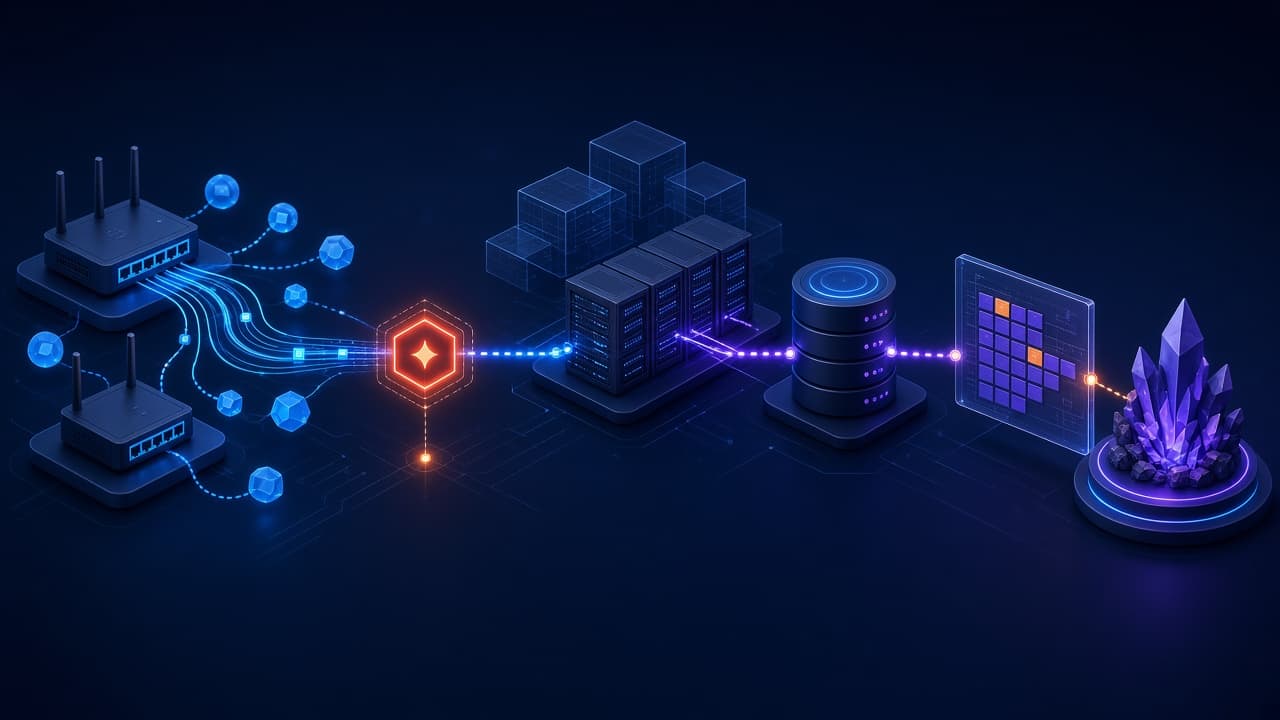
Reproduce → Observe → Isolate → Test → Change → Verify
The technology is different. The thought process is not.
HostTracker: When Networking and Development Meet
One of the clearest examples of those worlds coming together has been HostTracker, a web-based network monitoring and IP scanning application I built.
HostTracker performs IP and port scanning, stores historical results, manages ISP circuits, schedules scans and generates notifications when circuit states change.
It combines a React frontend, Laravel backend, MariaDB database and real-time functionality with something I am already very familiar with professionally: networks.
That makes bugs particularly interesting.
If a monitored host appears offline, where is the problem?
- Is the host actually unreachable?
- Did the scanner fail?
- Did the backend process the result incorrectly?
- Was the database updated?
- Did a scheduled job execute?
- Did the application correctly determine that the state had changed?
- Did the notification system fire?
- Did the frontend receive the updated state?
What initially appears to be "HostTracker says this device is offline incorrectly" can involve several completely different systems.
AI can help investigate those systems, but somebody still has to understand how information is supposed to travel through them.
Racker: Debugging Gets Harder as Systems Grow
That problem becomes even more obvious with larger applications.
I built Racker as a multi-tenant CRM with customer management, support tickets, role-based permissions, email integration, tenant-specific configuration and real-time functionality.
Once an application reaches that level of interconnected functionality, fixing one thing without understanding the wider system can become dangerous.
Imagine an issue where a user is not receiving an email notification.
The obvious assumption is that the email system is broken, but that is not necessarily true.
Maybe the application did not trigger the notification. Maybe the event fired but used the wrong tenant configuration. Maybe permissions prevented an action further up the chain. Maybe the database contains the wrong state. Maybe a queue failed. Perhaps the message was generated correctly but never sent.
The email system could be completely fine while the bug happened five steps earlier.
This is where blindly regenerating code becomes risky. An AI might happily rewrite the email service when the email service was never the problem.
FiveM Introduces Another Layer
My FiveM work adds another dimension because the software interacts with a game engine, networking, databases, third-party frameworks and custom 3D assets.
A bug might be in:
- Lua
- JavaScript or TypeScript
- SQL
- the framework
- another resource
- the client
- the server
- the 3D asset
I have dealt with situations where spawning a particular custom prop caused players to crash.
Asking an AI to keep rewriting the Lua script is not useful when the fault is actually inside the exported asset.
Again, the important skill is recognising which layer should be investigated.
A Repeatable Fault-Finding Process
The process I use across networking and software is deliberately simple.
Reproduce
Confirm the problem and define the exact conditions that cause it.
Observe
Collect logs, state, network responses, database records and anything else that shows what the system actually did.
Isolate
Break the path into components and identify the last point where the data or behaviour was correct.
Test
Change one variable or add instrumentation that can prove or disprove a theory.
Change
Make the smallest justified fix rather than rewriting an entire subsystem.
Verify
Retest the original fault and the related functionality that could have been affected.
This method is slower than immediately generating another solution, but it is considerably faster than repeatedly applying guesses.
The Skills Transfer More Than the Tools
The tools I use today are very different from the routers, circuits and server infrastructure where I built much of my troubleshooting experience.
The useful skills have transferred surprisingly well:
- understanding how information moves through a system
- separating symptoms from causes
- testing assumptions
- narrowing the scope of a fault
- documenting evidence
- verifying that a fix did not create another problem
AI can accelerate each stage. It can search a codebase, interpret logs, explain unfamiliar components and suggest tests.
It still needs someone to direct the investigation and decide whether the evidence supports the answer.
The tools have changed. The troubleshooting process really has not.